
2026 Monthly Planner with Year-At-A-Glance (PDF)
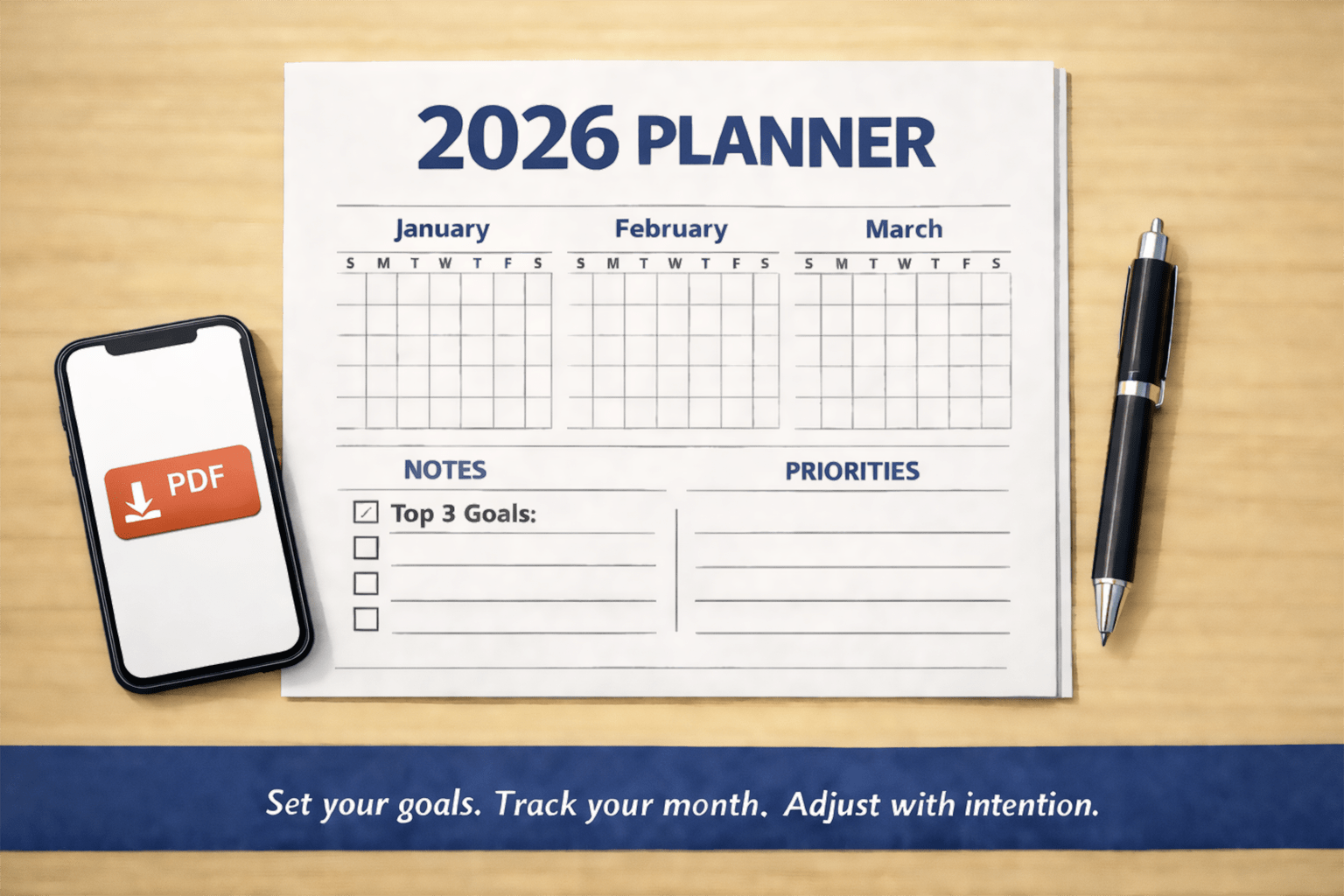
This is a simple, print-friendly 2026 monthly planner. It’s designed to be low-friction: clean layout, plenty of whitespace, and just enough structure to keep you oriented without getting in your way.
Download the 2026 planner (PDF)
What This PDF Does
A simple, clean 2026 planner
This PDF is a straightforward 2026 planner designed for printing or digital annotation. It keeps the layout minimal so it’s easy to scan, write in, and reuse month to month without visual clutter.
What’s inside
- Cover page for the year
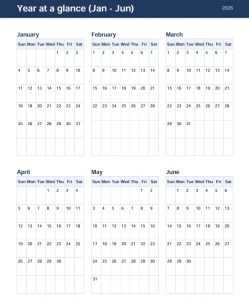
- Year-at-a-glance view so you can quickly see the full 2026 calendar structure
- One page per month with:
- A monthly calendar grid
- Space for notes (and, depending on the page, room for priorities/to-dos)
How To Use It
If you’re printing it
- Print monthly pages as you need them instead of printing the whole year at once (unless you know you’ll use it daily).
- Use a simple system:
- Circle key deadlines
- Underline appointments
- Use one symbol for personal events and a different one for work (even just “P” and “W” works)
If you’re using it digitally
- Load it into a PDF annotation app (Preview, GoodNotes, Notability, OneNote, Acrobat, etc.).
- Create a consistent annotation habit:
- Put fixed commitments on the calendar first (travel, renewals, standing meetings)
- Use the notes area for:
- Top 3 priorities
- “Don’t forget” items
- A short end-of-month review
A simple monthly routine that actually sticks
- Start of month (10 minutes): add deadlines, trips, and major milestones.
- Weekly (5 minutes): sanity-check the next two weeks.
- End of month (5 minutes): write what worked, what didn’t, and one adjustment for next month.
A Lightweight System for Staying Consistent
Use one “source of truth” for scheduling
Decide what this planner is for, and keep it focused. The simplest approach is to treat it as your monthly overview for:
- major deadlines
- appointments that matter
- travel and time-off
- monthly goals and check-ins
If you also use a digital calendar, put the details there and use this planner for the big picture.
Keep a short “default list” so you don’t start from scratch
At the start of each month, copy the same quick prompts into the notes area:
- Focus: (one sentence)
- Top 3: (three outcomes)
- Must-do: (any non-negotiables)
- Nice-to-have: (optional items)
Review in two passes
- Weekly scan (5 minutes): Look at the next 14 days and confirm what’s real, what moved, and what you should stop committing to.
- Monthly close (5 minutes): Write one win, one lesson, and one adjustment for next month.
Make it visible enough to matter
- If printed: keep it open on your desk or clipped where you’ll see it daily.
- If digital: bookmark it and set a recurring calendar reminder to do the weekly scan.
Practical Customization Ideas (Keep it Simple, Make it Yours)
Pick one planning style for the whole year
Here are three lightweight options. Choose one and stick with it:
Option A: The “Top 3” method
In the notes area each month:
- Top 3 outcomes you want by month-end
- A short list of supporting tasks
Option B: Theme-based months
Give each month a theme like:
- “Health”
- “Home projects”
- “Career”
- “Finances”
Then choose 1-2 actions that match the theme.
Option C: Milestones + buffer
Write:
- 2-4 milestones (non-negotiable)
- 2 buffer days you protect (no new commitments)
Make it easier to review later
At the bottom of each month’s notes, add two lines:
- Win:
- Lesson:
Wrap-up and a Quick Next Step
How to start without overthinking it
- Pick the current month and write in any fixed dates you already know.
- In the notes area, write your Top 3 outcomes for the month.
- Schedule a 10-minute weekly review to keep it current.
What “success” looks like
- Your calendar grid reflects what’s truly happening (not what you wish might happen).
- Your notes stay short and actionable, not a running diary.
- You can glance at the month and immediately see your priorities and constraints.
Closing thought
If you treat this planner as a monthly decision tool rather than a place to capture everything, it stays usful all year and it stays easy.


Printable Blank Weekly Meal Planner Template in PDF Word & Excel

Simple Budget Template (Printable)
Free Printable To Do List Template | Daily Task List Template
About The Author

Letter Team
The team behind BestLetterTemplate.com understands the importance of effective communication in today's professional world and strive to provide you with the tools you need to make a lasting impression. Our team of experienced writers has created a wide range of templates for common letters, including recommendations, resignations, and cover letters. All of our templates are completely free to use and are designed to save you time and hassle. Whether you're a student, a recent graduate, or a seasoned professional, we've got you covered.